Swiss21 migration, no feesin a few days
Export your Swiss21 data as CSV or Excel and upload it to Numezis. The agent maps every column, checks every balance and hands you books ready for what comes next. You approve, your fiduciary checks.
- No migration fees
- Balances checked before the switch
- Swiss21 stays active until switch day
Everything the agent takes over from Swiss21
- Customer and supplier contacts, with their addresses
- Customer invoices, paid or open, with their history
- Chart of accounts, mapped to the Numezis Swiss SME chart
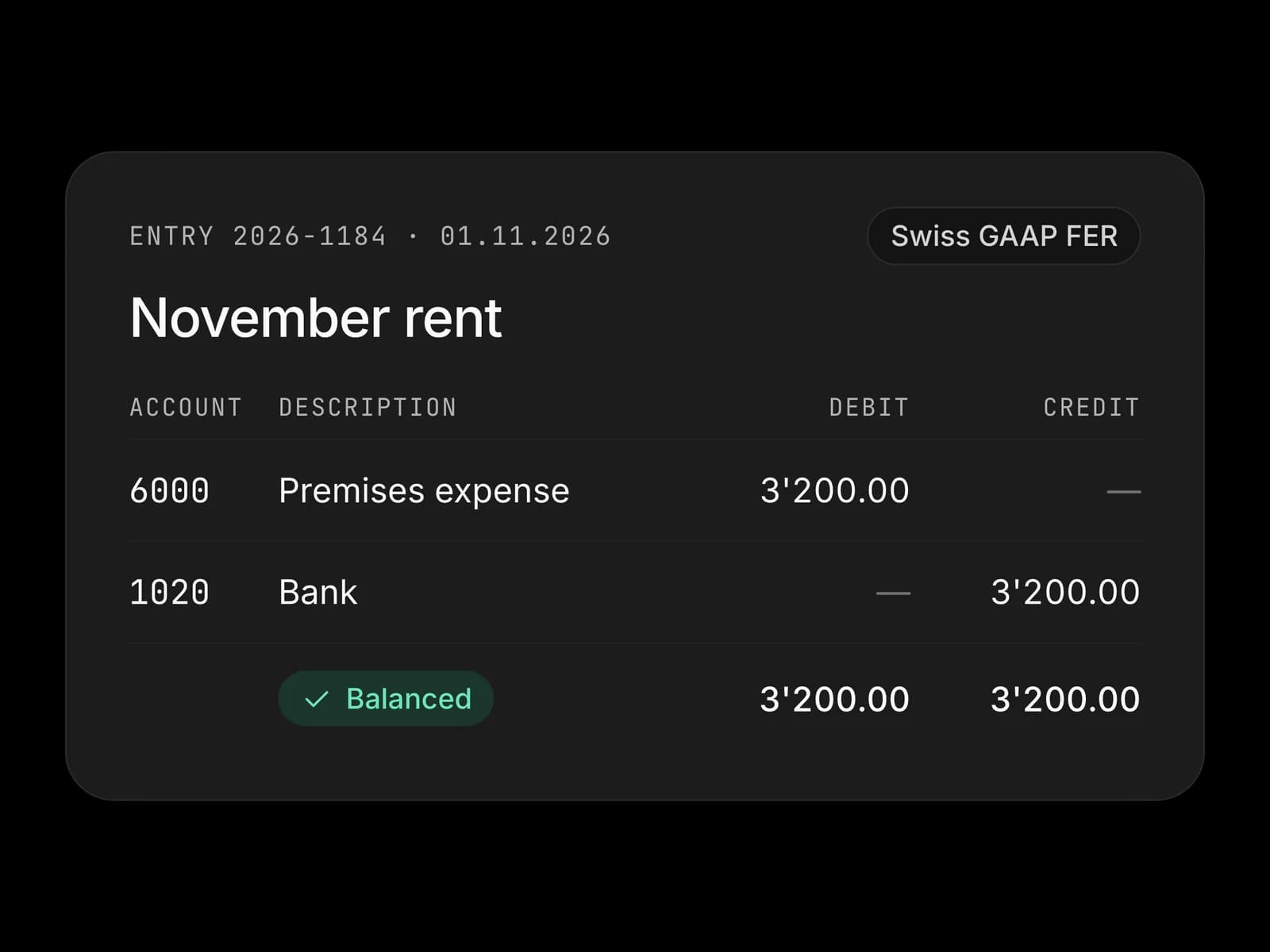
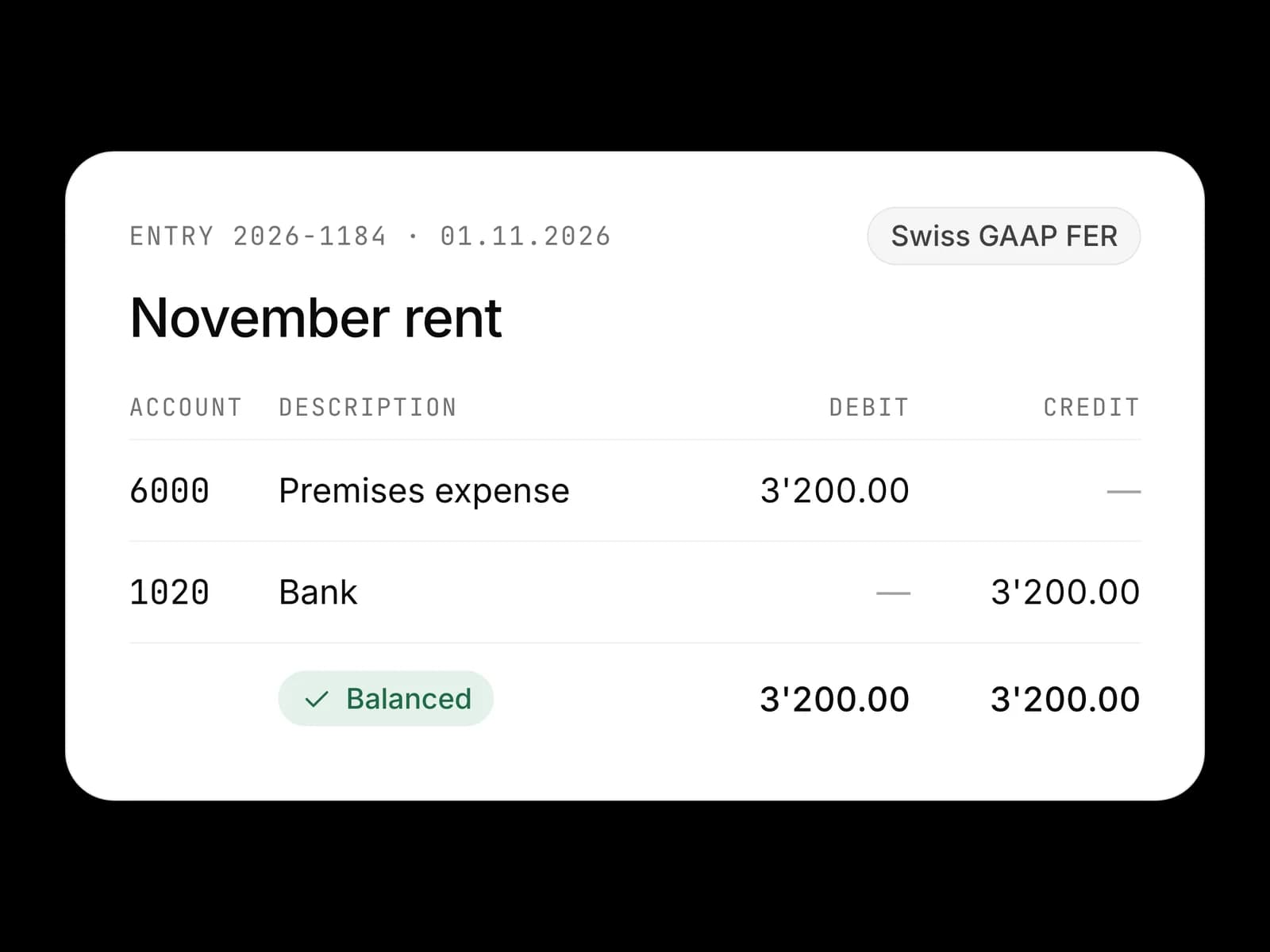
- Entries of open fiscal years, with their VAT rates
- Opening balances, open receivables and payables, checked to the cent
- Your Swiss21 history, kept and available
Four steps, a few days
- Day 1
Export
You export your contacts, invoices, chart of accounts and entries from Swiss21, then upload the files to Numezis. Your Swiss21 account is not changed.
- Standard Swiss21 CSV or Excel exports
- No file to rework
- Your business keeps running
- Day 1
Map
The agent reads your files, recognises the columns and maps them to the Numezis Swiss model.
- Columns matched to the right fields by the agent
- Accounts and VAT rates mapped to the Swiss SME chart
- You approve the mapping on a single screen
- Day 2
Check
Before any switch, the agent compares the figures in Numezis with those from Swiss21.
- Trial balance, open receivables and payables
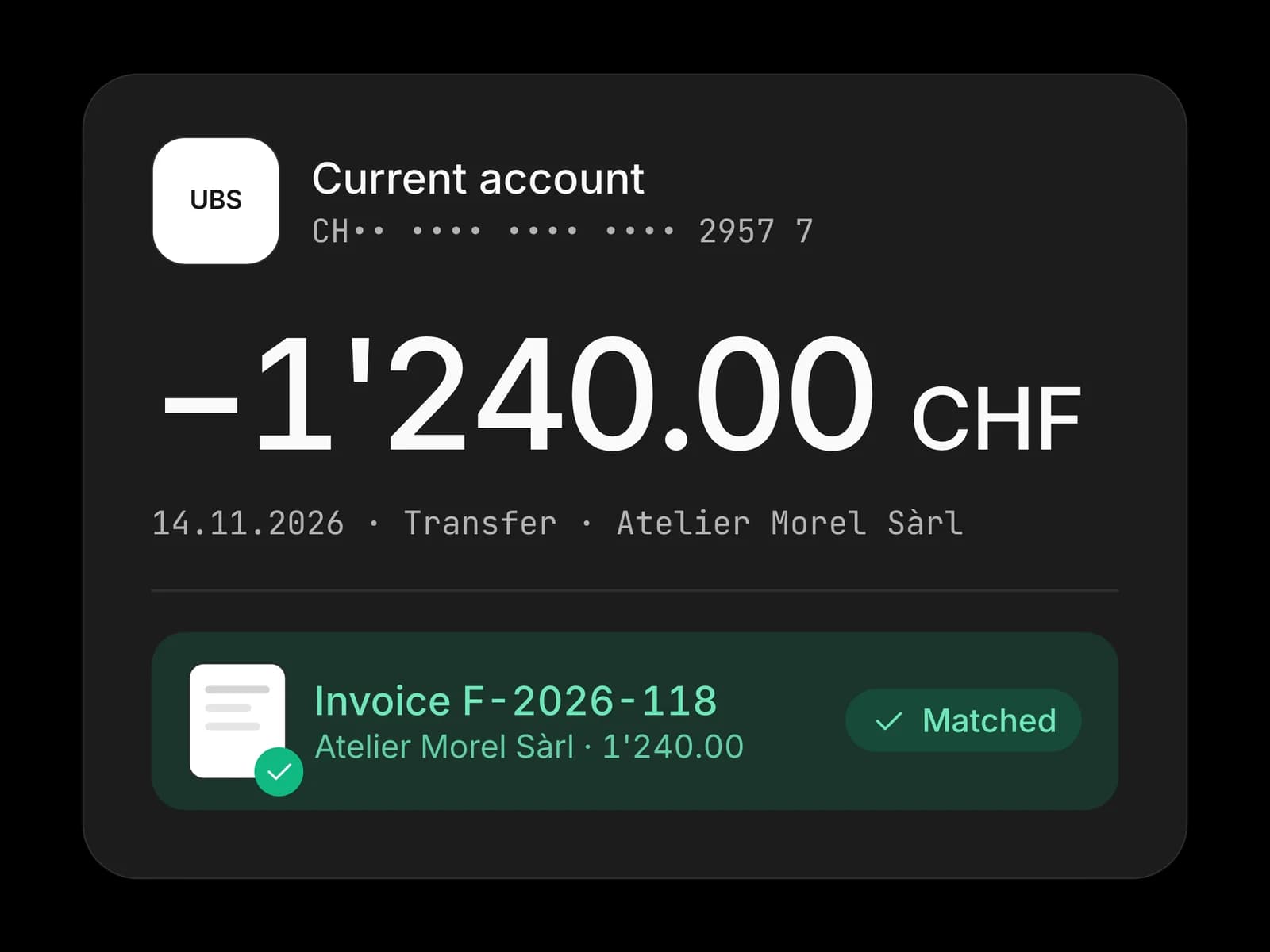
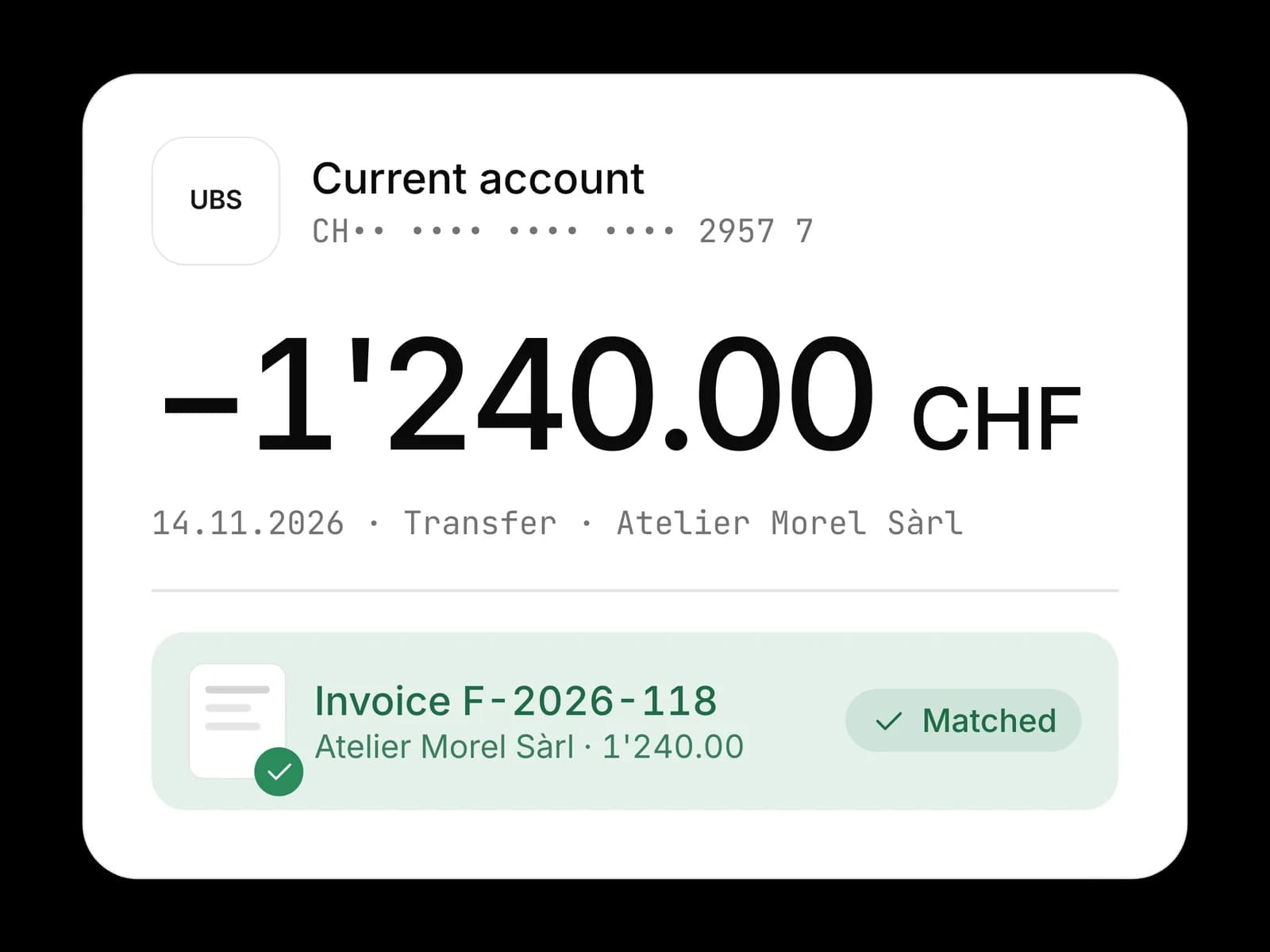
- Bank balances and VAT for the period
- Reconciliation report to share with your fiduciary
- Switch day
Switch
You choose the date and upload one last export. From that day, the agent takes over the admin, first payroll included.
- Invoices, payments and payroll in Numezis
- Free access for your fiduciary
- Your Swiss21 data stays untouched
Classic migration or Numezis migration
Who does the work
- Classic project
- A consultant reworking the files
- Numezis
- The Numezis agent, you approve
Migration cost
- Classic project
- Several thousand francs
- Numezis
- No migration fees
Duration
- Classic project
- Several weeks
- Numezis
- A few days
Balance checks
- Classic project
- Spot checks, by hand
- Numezis
- Complete, account by account
During the migration
- Classic project
- Data entry frozen
- Numezis
- Swiss21 stays active until switch day
Fiduciary's role
- Classic project
- Corrects afterwards
- Numezis
- Approves the reconciliation report


Indicative comparison for a Swiss SME of 2 to 50 people.
Migrating from Swiss21 to Numezis: your questions
How much does the migration from Swiss21 to Numezis cost?
Nothing. The Numezis agent does the takeover, with no consultant and no quote. And because Numezis is free for up to 3 users, a small team leaving Swiss21 pays nothing at all.
How long does the migration take?
A few days for most SMEs. Export and mapping on day one, balance checks the next day, then you switch on the date you choose.
Do I need a consultant or an integrator?
No. The agent does what a consultant would bill by the hour: reading the exports, mapping columns and accounts, checking balances. You approve its proposals, and your fiduciary reviews the reconciliation report if you wish.
Is all my Swiss21 data carried over?
Contacts, invoices, chart of accounts and entries are carried over from the Swiss21 exports. Opening balances and open receivables and payables are recalculated and compared with the Swiss21 figures before the switch, and the history stays available.
Is my business interrupted during the migration?
No. You keep invoicing in Swiss21 until switch day. On that day you upload one last export, and the agent takes over the entries made since the first one.
How do I export my data from Swiss21?
In Swiss21, export your contacts, invoices, chart of accounts and entries in the CSV or Excel formats the tool offers. Upload the files to Numezis as they are: the agent recognises the columns and proposes the mapping. There is no direct connection to Swiss21, and no file to rework.
What does my fiduciary do during the migration?
They get free access to Numezis and the reconciliation report: trial balance, VAT, bank, receivables and payables. They approve before go-live, then work in the same tool as you.
When should I switch?
Ideally at the start of a month, a VAT quarter or a fiscal year, or just before your first payroll. Switching mid-year is possible: the agent takes over the balances on the chosen date and the history stays available.
Your Swiss21 figures in Numezis, starting today
Create your free account and upload your Swiss21 exports. The agent starts mapping immediately.